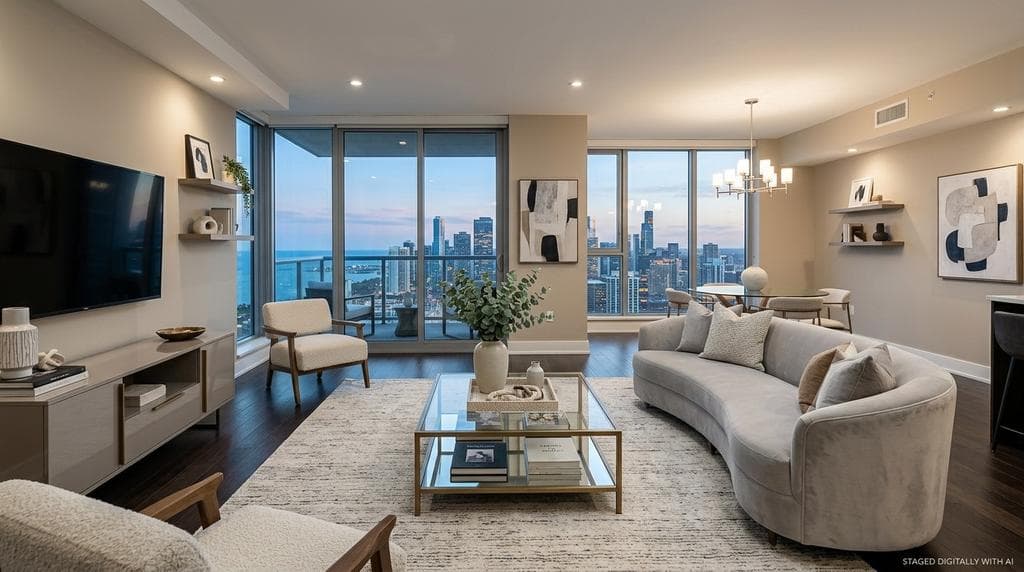
Last updated: April 2026
Most buyers and renters judge a property through listing photos before they ever book a tour. Photos decide whether a listing gets attention or is scrolled past.
Great listing photos show the potential of a living space. Empty rooms rarely do - the potential is there, but might be lost on prospective buyers or renters scanning through listings online.
That is why virtual staging for real estate matters.
In Zillow’s 2025 buyer research, floor plans, high-resolution photos, and 3D tours rank as the three most important listing features for prospective buyers.
Zillow’s 2024 Rentals Consumer Housing Trends Report shows a similar online-first pattern on the rental side: one-fifth of recent renters didn’t take an in-person tour at all, and the typical renter took just one.
Staging makes those photos work harder: in NAR’s 2025 Profile of Home Staging, 83% of buyers’ agents said staging makes it easier for buyers to picture a property as a future home, and 31% said buyers are more willing to walk through a home they first saw online when it is staged.
The result is fewer qualified prospects filtering out homes they would have considered if the visuals were better.
What virtual staging actually is
Virtual staging means digitally adding furniture, decor, and styling to a real property photo so the space is easier to understand. When done well, the result looks organic and natural rather than obviously photoshopped. For someone scrolling through listing photos online, a well-staged room communicates the property’s potential in a way a vacant room simply can’t.
Staging itself has been standard real estate marketing practice for decades. The core purpose is to present a property in a way that highlights its strengths and helps prospects envision themselves living there.
Virtual staging extends that same practice to digital listings - letting agents and property managers add furniture, decor, or renovation previews to empty, outdated or occupied rooms without the cost and logistics of moving actual furniture.
What virtual staging can?t do is mislead potential customers. Staging should clarify a room, not distort it. When the image stops matching the room’s actual structure or permanent features, it becomes ethically questionable, and potentially illegal.
The underlying principle - that marketing imagery should represent the property accurately - has been consistent in real estate ethics for a long time, and specific compliance rules are tightening what that means in practice as AI-generated imagery becomes more common (we cover these rules in the Compliance and disclosure section below).
Why virtual staging matters
Buyers compare far more homes online than they ever visit in person - an average of 20 virtually versus 8 in person, per NAR’s 2025 Profile of Home Staging - and renters show a similar pattern.
That means that the quality of listing photos can make or break the market for it. If the photos don’t convince potential customers that this is a place they can see themselves living in, they are not going to reach out to inquire further.
The staging effect is well-documented across independent sources. NAR’s research finds that 86% of buyers’ agents say staging influences how buyers view a home, and on outcomes, 29% of sellers’ agents saw a 1% to 10% increase in the dollar value offered for staged homes, with 49% reporting reduced time on market.
The Real Estate Staging Association’s Q1 2025 Market Insights adds a financial angle from a different lens: across 84 homes tracked in RESA’s Sold Over List Price Club, sellers saw an average return of $23.34 for every $1 invested in professional staging.
The rental market follows similar dynamics - properties rent faster and command stronger interest when the listing photos tell a clear story.
That is a practical way to think about the value of virtual staging. It does not need to “sell a fantasy.” It needs to help the prospect understand the space quickly enough to keep the property in contention - and the data suggests the lift flows through to sale price, rent-up speed, and time on market.
Which rooms matter most
Not every listing needs every room staged. In most cases, the best place to start is the room doing the most interpretive work in the listing. NAR’s 2025 data puts the living room first at 37%, followed by the primary bedroom at 34% and the kitchen at 23% when buyers’ agents are asked which rooms matter most to stage.
- Living room
- Primary bedroom
- Kitchen
That framework keeps the decision practical. If the living room is empty, awkward, or dated in photos, that is usually where virtual staging creates the clearest lift. After that, the primary bedroom and kitchen are often the next best places to focus.
The same priority order generally applies to rental listings - renters respond to the rooms that carry the most interpretive weight, regardless of whether the property is being sold or leased.
At AI virtual staging prices, many teams simply stage every room - the cost-per-listing for full staging is often less than the cost of one physically staged room.
Virtual staging examples and before-and-after results
This is where the work should speak for itself. The clearest virtual staging examples show the original image alongside the final result so buyers, agents, and reviewers can immediately see what changed. CRMLS guidance requires altered images to be labeled and says the original, unedited image must also appear immediately before or after the digitally altered image in the listing.
A useful gallery should show more than one kind of room. A living room, a bedroom, and at least one harder case — such as an occupied room or a dated interior — usually does a better job of showing what virtual staging is actually for than a gallery built only from ideal empty spaces.
How to prepare listing photos for virtual staging
The top virtual staging software can improve a photo a lot, but the starting photo still matters. Virtual staging works best with quality source photos:
- Use a wide, clear angle. Show as much of the room as possible so the layout reads clearly. A 16?24mm wide-angle lens is commonly used to capture more of the room, though perspective and vertical distortion still need to be managed in-camera or in post.
- Start with the best lighting you can get. Bright, even natural daylight usually produces the strongest result, though photo editors and AI tools can often improve darker or flatter images.
- Remove furniture and personal items when possible. Empty rooms usually stage best because the design can be built intentionally from the ground up.
- If the room is occupied, clean it up before staging. If that is not possible, AI tools can remove furniture and belongings from photos.
- Maximize resolution. At least 4000x3000 pixels is a good baseline for listing-quality output.
That preparation mindset shows up in traditional listing advice too. NAR reports that 91% of sellers’ agents recommend decluttering before listing, which is one reason cleanup and image preparation matter so much before staging begins.
In practice, real estate virtual staging works best as part of a broader listing-photo workflow, not just as a single image effect.
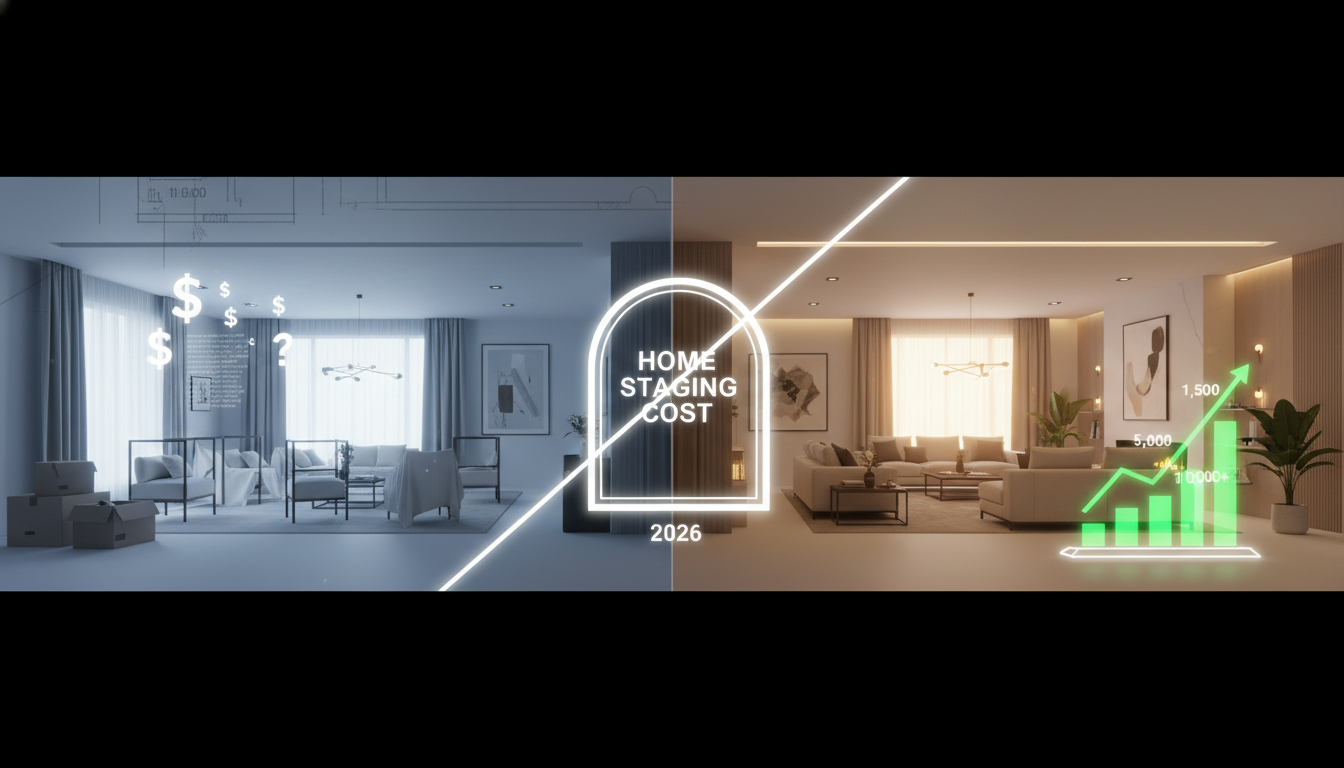
Preparation basics: use a wide angle, start with strong lighting, remove clutter when possible, and clean up occupied rooms before staging.
Virtual staging vs. physical staging
Physical staging means bringing real furniture and decor into a property before photography or showings, while virtual staging adds those elements digitally to listing photos.
Physical staging still works. NAR’s 2025 report says 29% of sellers’ agents saw a 1% to 10% increase in the dollar value offered for staged homes, and 49% said staging reduced time on market.
But the same report also shows why physical staging is not the default for every listing: only 21% of sellers’ agents said they staged all sellers’ homes before listing them. The friction - coordinating furniture, scheduling photos, the cost of a staging service - means staging often doesn’t happen even when it would help.
That is the gap virtual staging fills. The value of staging is real, but the friction is real too. Virtual staging gives agents and teams a way to capture much of the presentation upside without always taking on the cost, scheduling, furniture logistics, and setup time that come with physical staging.
Physical Staging | Manual Virtual Staging | AI Virtual Staging | |
|---|---|---|---|
Typical cost | $1,500 median per property | $25-$150 per image | $0.50-$2.50 per rendering, $3-$10 finished |
Turnaround | Days to weeks | 24 hours to several days | Minutes |
Style variations | Requires restaging and re-shooting | Possible, but revisions add labor | Fast and inexpensive to generate multiple variants |
Scalability | Low | Medium | High |
Best fit | Premium homes shown in person | Listings that need human art direction | Day-to-day sales and rental listings at scale |
Disclosure workflow | Not applicable | Manual labeling and side-by-side QA | Can be built into comparison and labeling workflow |
How much does virtual staging cost?
The price difference between physical and virtual staging is dramatic.
NAR’s 2025 Profile of Home Staging found the median amount spent when using a staging service was $1,500 per property. Physical staging can run higher when furniture rental, transport, and multi-week setup are factored in, with typical full-property costs of $2,000 to $5,000 and additional months adding $500 to $1,000.
Virtual staging breaks down into three rough tiers:
AI virtual staging can look very cheap when you only compare the cost of one render, but the useful number is the finished image you can actually publish. In practice, you may need several attempts to get the style, scale, and layout right; our virtual staging cost guide breaks down per-render pricing versus approved staged-photo pricing in more detail.
Designer-led virtual staging, where a human editor works in Photoshop or a similar tool, typically runs $25 to $150 per image. Turnaround is 24 hours to several days, and revisions usually cost extra after a limit.
Premium virtual staging services with full design consultation can run $150 to $500 per image, typically reserved for luxury listings or specialized campaigns.
Beyond the unit-cost comparison, AI virtual staging changes the logistics. Because the entire process is digital, listing photos can be staged without the photographer or agent returning to the property after the initial shoot.
Many agents and property managers find this particularly valuable when working with out-of-area sellers, investment properties, rental portfolios spread across markets, or multi-site teams.
The same flexibility lets teams generate multiple staging variants - different furniture styles for different target audiences (young urban renters vs. suburban family buyers, for example), or different use cases like “home office” vs “nursery” - at no additional cost per variant.
For teams that list regularly, the math often favors a tiered approach: AI staging for day-to-day listings (sales and rentals alike), designer-led work for premium properties, and physical staging reserved for situations where the home will also be shown in person with the staged furniture in place.
For rental properties specifically, physical staging is rarely practical — the cost of furnishing between tenants doesn’t usually pencil out — which makes virtual staging the default option for unfurnished rental listings.
How virtual staging works
At a high level, virtual staging follows a simple workflow:
- Start with a real property photo
- Clean it up if necessary, and fix the lighting
- Add furniture and styling digitally
- Review the staged image against the original
- Publish with clear disclosure when required
The core idea is simple. The harder part is doing it in a way that still feels truthful to the property. That depends on how the underlying image tool is built.
What matters in the output
For a real estate user, the important test is straightforward: the staged image should preserve permanent features, keep furniture scale believable, blend shadows and lighting naturally, match the selected style, and make comparison with the original easy before publishing.
Generic image generation vs. purpose-built staging AI
Not all AI that can produce a “staged” image is designed for real estate. In fact, most AI tools struggle with this - it can produce attractive room images, but they treat the source photo as input to a full re-render. That means walls can shift, windows can disappear, fixtures can change, and flooring can transform. The output looks like a room, but stops being a faithful representation of the original.
Purpose-built virtual staging AI takes a different approach. It recognizes the structural elements of the room - walls, windows, doorways, ceiling, floor, built-in fixtures, permanent features - and constrains the generation so those elements are preserved. The AI adds furniture and styling on top of a structurally intact source image, rather than regenerating the image from scratch.
This distinction matters most for compliance and trust, not aesthetics. A beautiful image of a room with shifted walls or added windows is not useful to a prospect and not safe to publish. A slightly less polished image that accurately reflects the actual property is far more valuable for a real estate listing.
That is where many generic image tools fall short in real estate use. The standard is not just “does this image look nice?” The real question is whether it helps the prospect understand the room without creating a false impression of what they will actually see in person.
For a hands-on walkthrough, see How to Virtually Stage a Room.
Compliance and disclosure
Virtual staging is legal and widely permitted, but it comes with clear rules about what can change, what must be disclosed, and how the original image fits into the listing. These rules are becoming more explicit as AI-generated imagery becomes more common.
Three principles underpin virtually every compliance framework that applies to virtual staging:
- Structural integrity - do not alter the actual property. Virtual staging should add furniture and decor, not change the property itself. CRMLS guidance is explicit: users cannot add, remove, or modify real parts of the property, and it calls out examples such as flooring, cabinets, wall dimensions, and landscaping. AI-generated landscaping images are specifically not permitted because they may misrepresent the real property. NAR’s ethics guidance points in the same direction with its “true picture” standard: marketing should not create a false impression of the property.
- Clear disclosure - label digitally altered images. When an image has been virtually staged, the listing needs to say so. CRMLS requires altered images to be labeled with terms such as ?digitally altered? or ?virtually staged.? California?s AB 723 requires a disclosure statement whenever a digitally altered image is used in real estate advertising or promotional material, and it also applies when the altered image appears on a website controlled by the broker or salesperson. The FTC?s truth-in-advertising standards add a federal backstop: material modifications to product images must be clearly disclosed to consumers.
- Original access - provide the unaltered version. Increasingly, compliance rules require that the original, unaltered image be available to prospects, not just the staged one. CRMLS requires the original image to appear immediately before or after the altered version in the listing. AB 723 goes further: it requires a link, URL, or QR code that provides access to the original unaltered image, and if the altered image appears on a broker or salesperson’s website, the unaltered image must also be included in the posting.
That three-part framework - structural integrity, disclosure, original access - tells agents, marketers, and platforms what a safe virtual staging workflow looks like. It preserves the room, keeps the original image close at hand, and makes disclosure easy instead of leaving it as an afterthought.
A note on rentals: Most of the explicit rules above - CRMLS, AB 723, NAR’s Code of Ethics - apply primarily to residential sales. Rental listings are not generally governed by the same MLS-level disclosure requirements, but the underlying principles still apply: renters are making financial decisions based on listing images, and misleading staging creates the same tenant-relationship and regulatory risk that it creates on the sales side.
Property managers and landlords should plan to disclose virtual staging on rental listings as a matter of practice, even where there’s no specific statute requiring it. The FTC’s truth-in-advertising standards apply to rental advertising too.
If you are close to publishing staged photos, the next step is the virtual staging disclosure and MLS compliance guide, which covers MLS examples, California AB 723, original-photo requirements, and practical disclaimer wording.
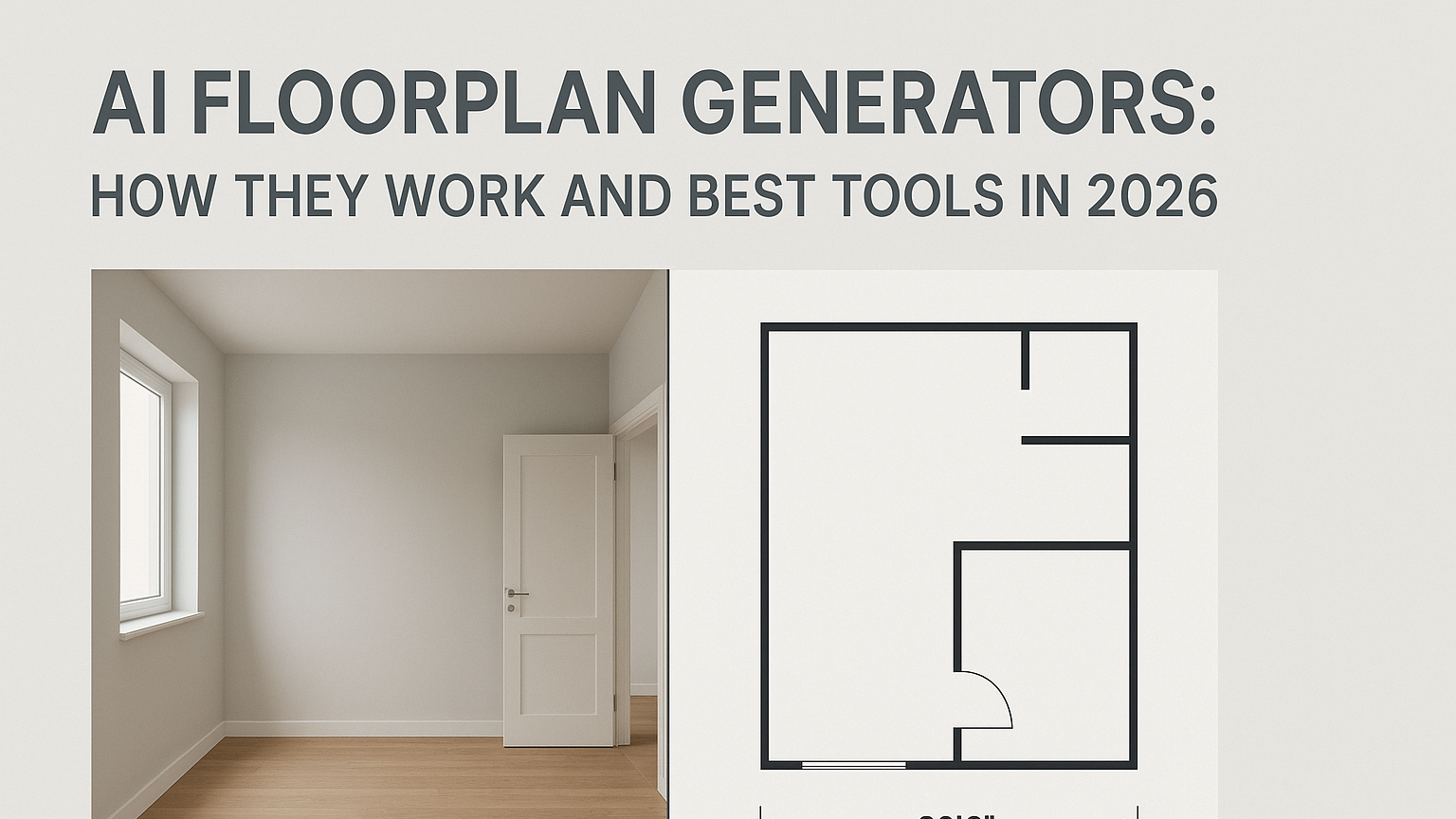
A safe workflow keeps the original image available, labels the staged version, and lets reviewers compare them side by side.
What to look for in virtual staging software
Not all virtual staging software is built for real estate workflows. In practice, many listing photos are captured under less-than-ideal conditions: some rooms are still occupied, some are dark, and some include clutter or personal belongings that make the space harder to stage well on the first pass.
A real-estate-oriented virtual staging tool should support the full listing-photo workflow, not just a single image effect. The useful checklist:
- Structural preservation. The AI should recognize and preserve walls, windows, doorways, and permanent fixtures rather than re-rendering the entire room.
- Before-and-after comparison. Reviewers should be able to see the original and staged images side by side, so it is easy to verify that nothing beyond furniture has changed.
- Disclosure controls. Automatic labeling options - a virtually staged watermark or caption that applies to downloaded images - make consistent compliance much easier across a team.
- Occupied-room handling. Tools that can declutter, remove existing furniture, or clean up occupied rooms before staging are more useful in real-world listing conditions than tools that only work on ideal empty spaces.
- Style variety. Match the design language to the market - coastal properties need different aesthetics than urban condos, and platforms vary widely in how many styles they support.
- Revision policy. Check whether furniture changes are included or cost extra after a limit. Additional regenerations matter when the first attempt does not match your vision.
- Scaling across a team. Shared accounts, centralized billing, and multi-user access matter once virtual staging becomes a regular part of a listing workflow rather than a one-off task.
The Virtual Staging ART workflow was designed around these requirements. Its purpose-built AI preserves the source room's structure while adding furniture, its before-and-after review view makes the comparison workflow built in, and its label and watermark controls support the disclosure step before publication.
The same platform extends into AI Photo Editing for decluttering, lighting correction, object removal, and color adjustments on both source and staged images, and into House Rendering AI for vacant lots, redevelopment opportunities, and pre-construction marketing.
Virtual Staging ART has staged over 100,000 photos for hundreds of agencies, with an average turnaround of about 45 seconds. Those numbers matter less on their own than what they represent: the full workflow - preparation, staging, comparison, disclosure, and publishing - running at listing speed rather than breaking down in the handoffs.
Limitations to consider
Virtual staging is a powerful marketing tool, but it has limits that are worth knowing before committing to it as your default approach.
Setting realistic expectations
The biggest challenge with virtual staging is managing expectations between the listing photos and the in-person experience. When someone falls in love with beautifully staged photos and then arrives at an empty property, disappointment is often inevitable.
The gap between the listing images and the lived experience of an empty walkthrough can undermine the goodwill those photos generated - whether the prospect is a potential buyer or a prospective tenant.
Mitigate this by:
- Showing some empty or minimally staged photos alongside the staged versions.
- Emphasizing room potential in listing copy rather than implying furniture is included.
- Preparing prospects verbally before tours or showings so they know the staging was digital.
Technical limitations
AI virtual staging works best in standard residential rooms. It can struggle with:
- Unusual angles or fisheye lenses. Distorted perspectives confuse the algorithms.
- Very small spaces. Furniture may appear crammed or unrealistic.
- Dark or poorly lit photos. AI needs reasonable lighting to understand the space correctly.
- Rooms with complex architecture. Dramatic angles, vaulted ceilings, or unusual shapes can produce odd results, though the newest models are getting better at this.
When the source photo falls into one of these categories, the solution is usually on the input side — better photography, better lighting, or running the image through photo editing tools before staging — rather than expecting the AI to compensate for a difficult starting point.
Not a substitute for repairs
Virtual staging adds furniture, not home improvements. It can’t fix damaged flooring, stained walls, or outdated fixtures - and compliance rules are explicit that it shouldn’t try to. In fact, beautiful staging often highlights such issues by contrast, because the eye is drawn to imperfections that a plainer photo might have let slip by.
Handle necessary repairs and updates before photographing. Virtual staging enhances good spaces; it doesn’t rescue bad ones.
Where virtual staging AI is heading
The technology is still evolving quickly. A few developments worth tracking:
- Video virtual staging is emerging as a way to stage video walkthroughs and 3D tours, not just still photos. The same compliance principles still apply.
- Exterior and landscaping staging is improving, though compliance rules like CRMLS's restriction on AI-generated landscaping still limit its use for active listings.
- Better handling of complex rooms - vaulted ceilings, open-plan layouts, unusual angles - has steadily improved as models get more training data.
For teams already using AI virtual staging, staying current means testing new platforms periodically, comparing performance of virtually staged listings against unstaged or physically staged properties, and gathering feedback from buyers, renters, and showing agents on whether the staged photos accurately represented the actual space. The tools are moving fast, and the teams that learn to use them well early on tend to hold onto that advantage.
Final takeaway
Virtual staging works best when it helps prospective buyers and renters understand a space without misleading them about the property itself.
The research points in the same direction from a few different angles. Buyers and renters rely heavily on listing media, staging makes rooms easier to visualize, and disclosure rules are becoming more explicit about what can and cannot be changed. Zillow has also reported that richer digital media packages can translate into stronger outcomes on the sales side, and the same online-first dynamic applies to rental listings, where photos increasingly carry the full weight of the decision.
The opportunity is not just to make listing photos prettier. It is to make listings clearer, more compelling, and easier to publish with confidence - whether the property is being sold or leased.
If you want a workflow built specifically for real estate teams, start with Virtual Staging ART.
Frequently Asked Questions
Is virtual staging legal?
Generally, yes - but what matters is how it is used and what local rules require. On the sales side, CRMLS requires digitally altered images to be labeled and paired with the original image in the listing, and California AB 723 requires disclosure and access to the original unaltered image when digitally altered images are used in real estate advertising or promotional material. On the rental side, specific statutory disclosure rules are less common, but the general principles still apply: don’t misrepresent the property, label altered images as such, and keep the original image accessible.
Do I need to disclose virtual staging?
If the image materially alters the property, disclosure is increasingly expected and, in some places, specifically required. For sales listings, CRMLS requires altered images to be labeled with terms such as “digitally altered” or “virtually staged” and requires the original image to appear immediately before or after the altered one, and California AB 723 requires a disclosure statement and access to the original unaltered image. For rentals, there’s usually no specific statute, but the FTC’s truth-in-advertising standards apply to rental advertising, and landlords and property managers are generally expected to disclose virtual staging as a matter of good practice.
How much does virtual staging cost?
AI virtual staging typically costs $0.50 to $2.5 per image, and up to $10 for a finished result. Designer-led virtual staging ranges from $25 to $150 per image. Premium services can run $150 to $500 per image. By comparison, NAR reports the median spend on a staging service is $1,500 per property, and physical staging can run higher when furniture logistics are included.
Which rooms should be staged first?
In most cases, the living room is the best place to start, followed by the primary bedroom and kitchen. That order lines up with NAR’s 2025 staging data, where buyers’ agents ranked those three rooms as the most important to stage. Rental listings generally follow the same priority pattern.
Is physical staging still worth it?
Yes, for the right listing. NAR’s 2025 report connects staging with stronger buyer response, faster sales, and in some cases higher offers. But it also shows why not every home gets physically staged: only 21% of sellers’ agents said they stage all sellers’ homes before listing them, and the median cost for using a staging service was $1,500. For rental properties, physical staging is rarely practical - the cost of furnishing units between tenants doesn’t usually justify the spend - which makes virtual staging the default for unfurnished rental listings.
Should listing photos be prepared before they are staged?
Usually, yes. Wide angles, clear composition, and good lighting create a much better starting point. If the room is still occupied, decluttering and photo cleanup can make the image easier to stage and easier for prospects to read once it is published.
Can virtual staging hide property defects?
No - and it shouldn’t. Virtual staging should add furniture and decor, not modify or conceal the property itself. Removing stains, hiding damage, or changing fixtures crosses into the kind of material alteration that CRMLS, NAR, and AB 723 prohibit. Handle repairs before photographing, and use staging to showcase a well-presented space.
Does virtual staging work for rental properties?
Yes - and it’s often a better fit for rentals than for sales. Rental units turn over frequently, which makes physical staging impractical for most landlords and property managers. Virtual staging lets a single set of listing photos be used across vacancies, with styles updated as trends or target tenant demographics shift. The same compliance principles apply (structural integrity, clear disclosure, access to the original image), but most rental listings aren’t subject to the specific MLS-level rules that govern sales.