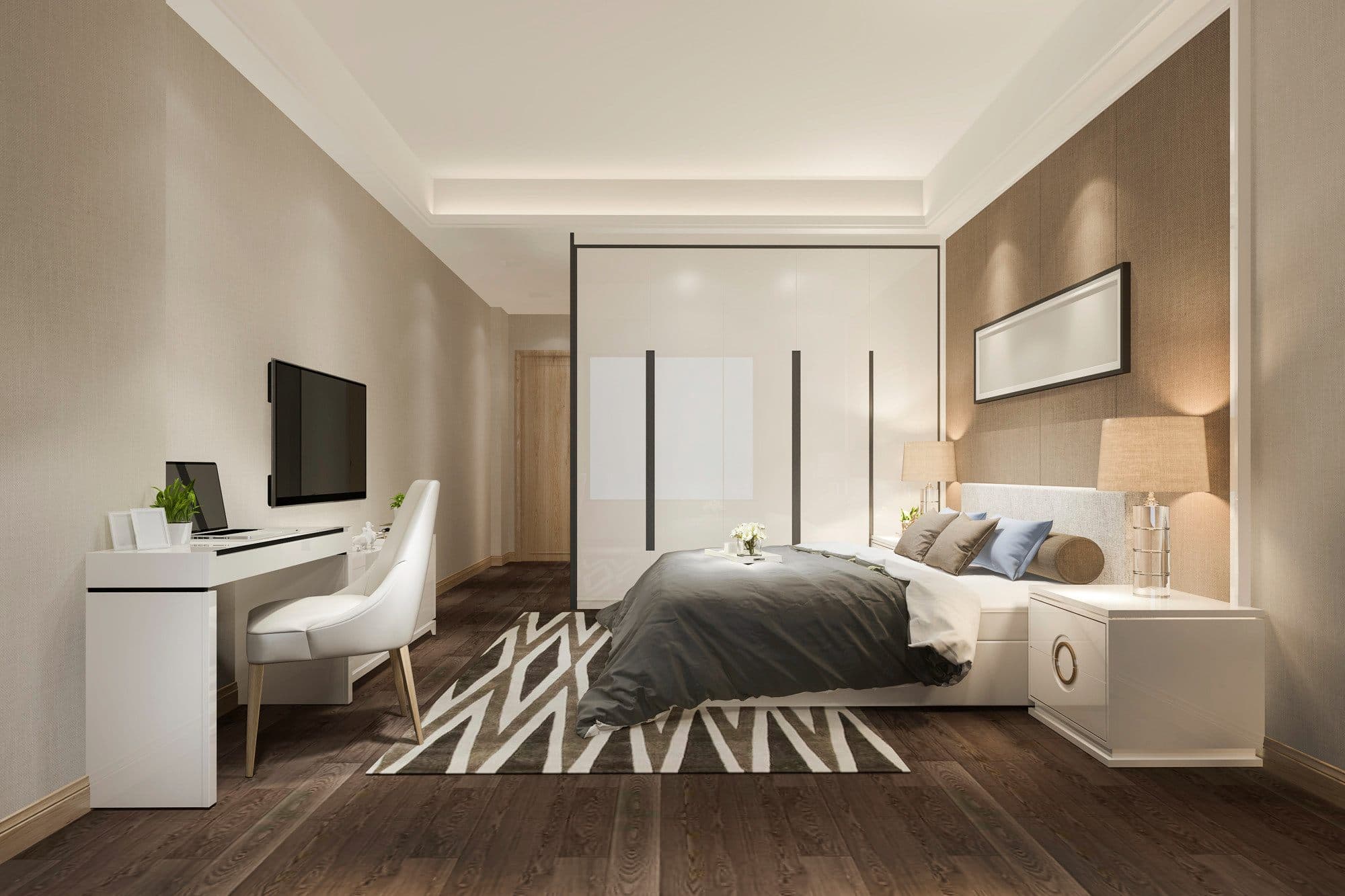
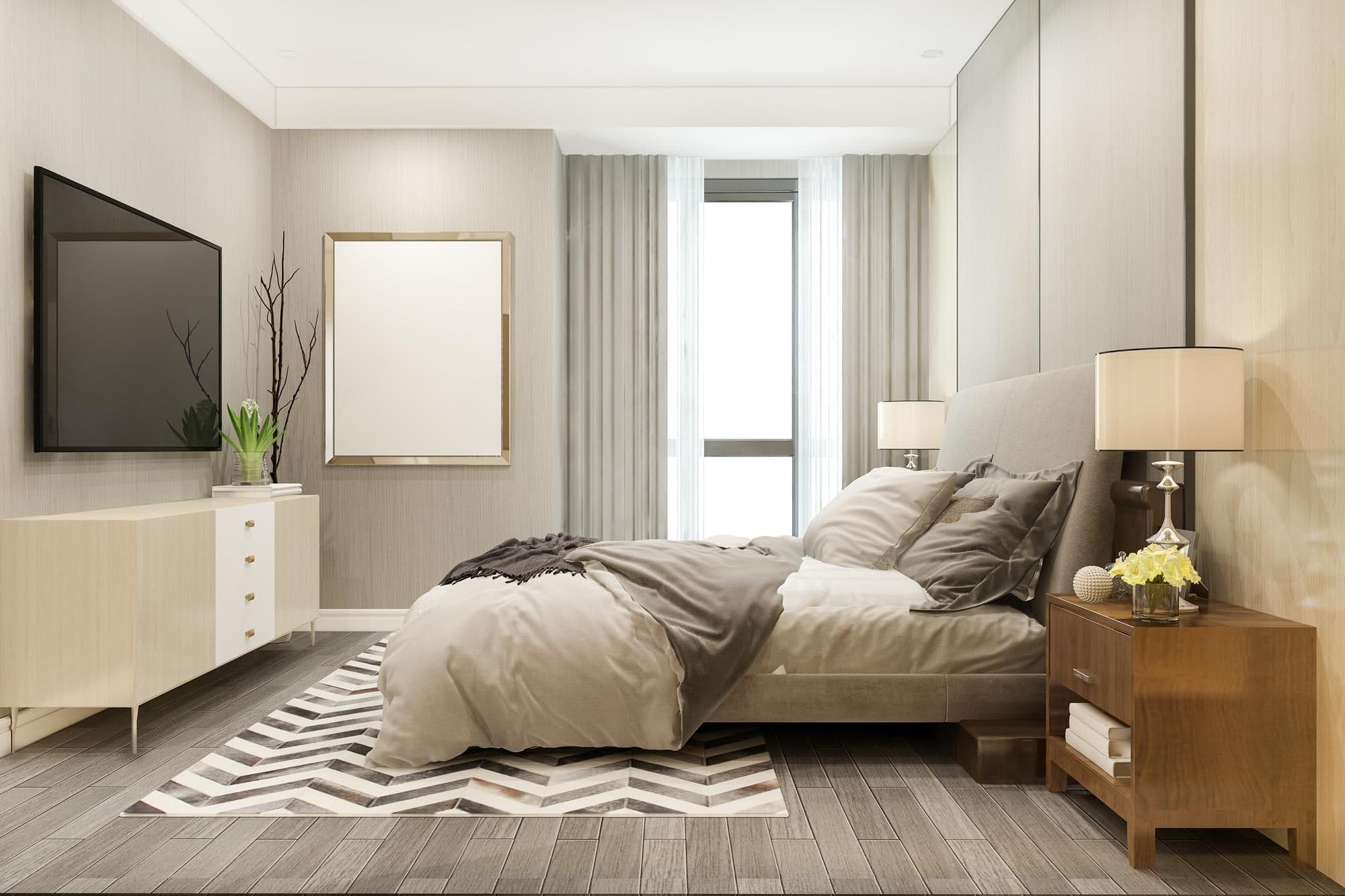

Virtually Stage Your Property Photos in Seconds
We provide AI virtual staging for homes and apartments, turning empty or occupied interiors into clean, furnished, high quality photos that grab attention on listing sites.
Save over 90% on staging costs, from $0.50 / staged photo
- Structural PreservationWalls, windows, doors, and floors stay intact.
- MLS Disclosure Built InAuto-overlay disclosure on every download.
- Brokerage ReadySame workflow for every agent on the team.








The listing is the first showing.
Weak listing photos make buyers decide before they ever book a showing.
- 1.
Property photos need to stand out
Empty, dated, or cluttered interior photos can make potential customers dismiss the listing at first sight.
- 2.
Traditional staging is expensive
Furniture rental, movers, and coordination are not practical for most rentals and low-to-mid market sales.
- 3.
Listing timing matters
Getting online quickly and in front of buyers or renters first can make or break a deal.
Stage every listing photo in seconds, without furniture, vendors, or waiting.
Virtual Staging Art provides digital staging for empty or occupied property photos, turning interiors into clean, furnished listing images for a fraction of traditional staging costs.
- From $0.50 / staged photo
- Multiple variations, immediate turnaround
- Move properties 73% faster at 10%+ better price
- Photos Staged
- 100,000+
- Real-Estate Agencies
- Hundreds
- Average Turnaround
- ~45 seconds
How Virtual Staging Art Works
Turn flat photos of empty spaces into beautiful, market-ready interiors with AI virtual staging.
- 1.
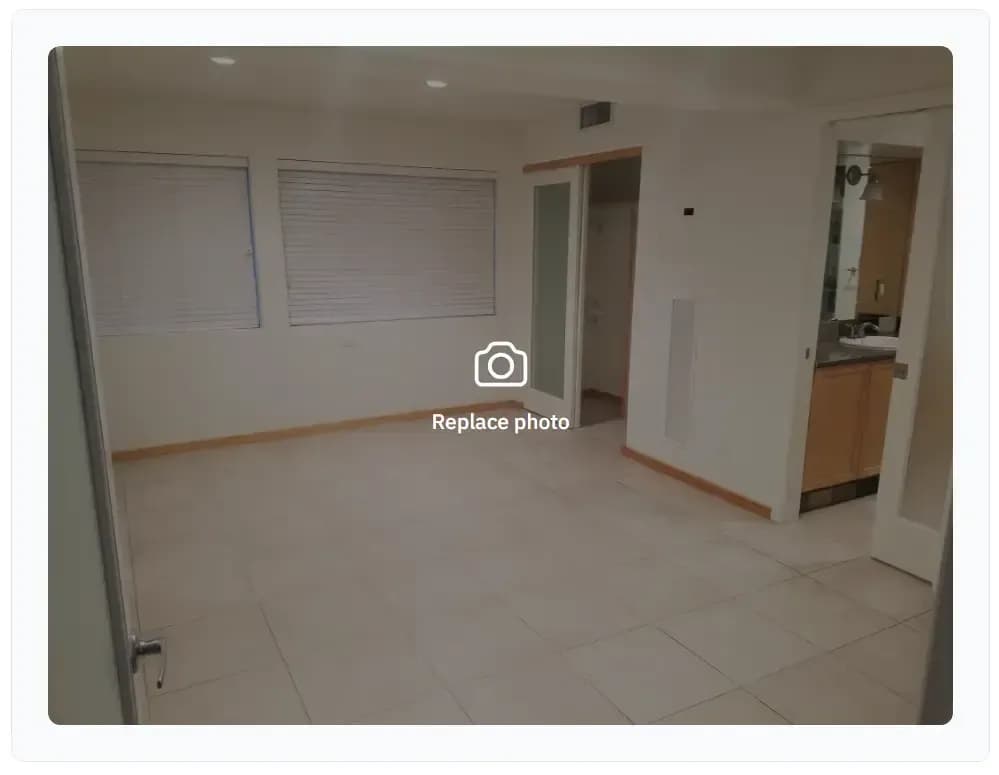
Upload your property photos
Upload a property image - well-lit photos that show more of the space tend to produce the best results.
- 2.
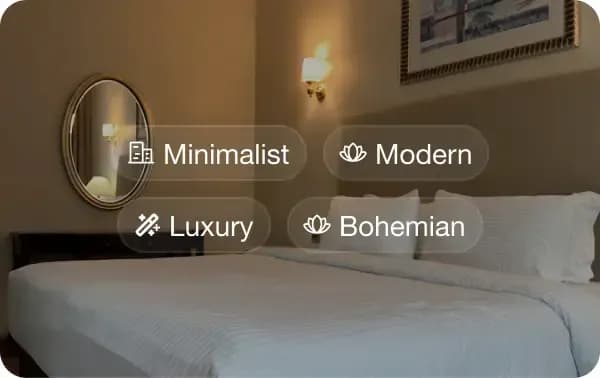
Add furniture and decor with AI
Pick the room type and style. The AI generates multiple staging variations, adapting furniture, layout, and lighting to match the space and surroundings.
- 3.
Download listing ready photos
Get your result in under a minute. Not quite right? Swap individual furniture pieces, adjust the layout, or regenerate with a different style and get a perfect result immediately.

How AI virtualstaging compares
Unmatched speed and accuracy at a fraction of traditional home staging costs.
VirtualStaging.art (AI)
- Turnaround
- 45 seconds
- Revisions
- Instantly generate additional styles and make point edits
- Cost
- From 50c / Render
Human Editors (PS)
- Turnaround
- 1-3 days
- Revisions
- 1-2 days turnaround
- Cost
- $100-$250+ / image
Physical Staging
- Turnaround
- 1-3 weeks
- Revisions
- Days to weeks + significant costs
- Cost
- $2,000-$5,000+ / property
| Method | Turnaround | Revisions | Cost |
|---|---|---|---|
| VirtualStaging.art (AI) | 45 seconds | Instantly generate additional styles and make point edits | From 50c / Render |
| Human Editors (PS) | 1-3 days | 1-2 days turnaround | $100-$250+ / image |
| Physical Staging | 1-3 weeks | Days to weeks + significant costs | $2,000-$5,000+ / property |
No Credit Card Required
What our users say about Virtual Staging with AI
“I take photos of 2 to 3 units per day and was thrilled when I found virtualstaging.art! They significantly cut down on how much money I spend on virtual staging!”

“During my busy season, I photograph 20 properties per week for my clients. They’ve always asked about virtual staging solutions and when I found VirtualStaging.art, I was thrilled because it takes less than a minute to get the staged photos back.”

“Virtual staging has always been an additional offering to my real estate customers, but at great expense with little upside, so I hated doing it. VirtualStaging.art actually helped me make that service far more profitable!”

“I’ve worked with manual virtual staging studios located on the other side of the world for years. I shoot 12-15 properties per week and I don’t have the time to do it myself. VirtualStaging.art cut my turnaround from days to minutes.”

“We like to sit down with prospective renters and show them what units could look like if they moved in. Virtualstaging.art gives us a cheap and easy way to do that!”

“We have an average of 25 units per building. Historically, we have only been able to stage 1 out of the 25 units since virtual staging was too expensive. With virtualstaging.art, we have cut our virtual staging spend by a factor of ten.”

“Unfortunately, my property management company wasn’t doing a good job staging our units. They were showing a physically staged unit of one floor plan across all of our units. This made no sense! Fortunately, I was able to standardize on VirtualStaging.art across the whole portfolio.”
“I’ve worked with many staging companies throughout my career, but nothing comes close to VirtualStaging.art’s speed. I no longer have to do a back and forth with BoxBrownie/Styldod! VirtualStaging.art lets me upload, pick a style, and have my listing-ready photos in minutes.”

“A staging solution that actually makes financial sense for my cheaper properties! I always wanted to be able to stage them, but it just didn’t make financial sense. Fortunately, a friend showed me VirtualStaging.art and now every listing gets staged.”

“I’ve been noticing that more and more of the comps I look at have staged images. I was wondering what folks were using and quickly found VirtualStaging.art. It looks like everyone in the real estate industry will soon have access to this kind of tool.”
From raw photos to listing-ready in minutes
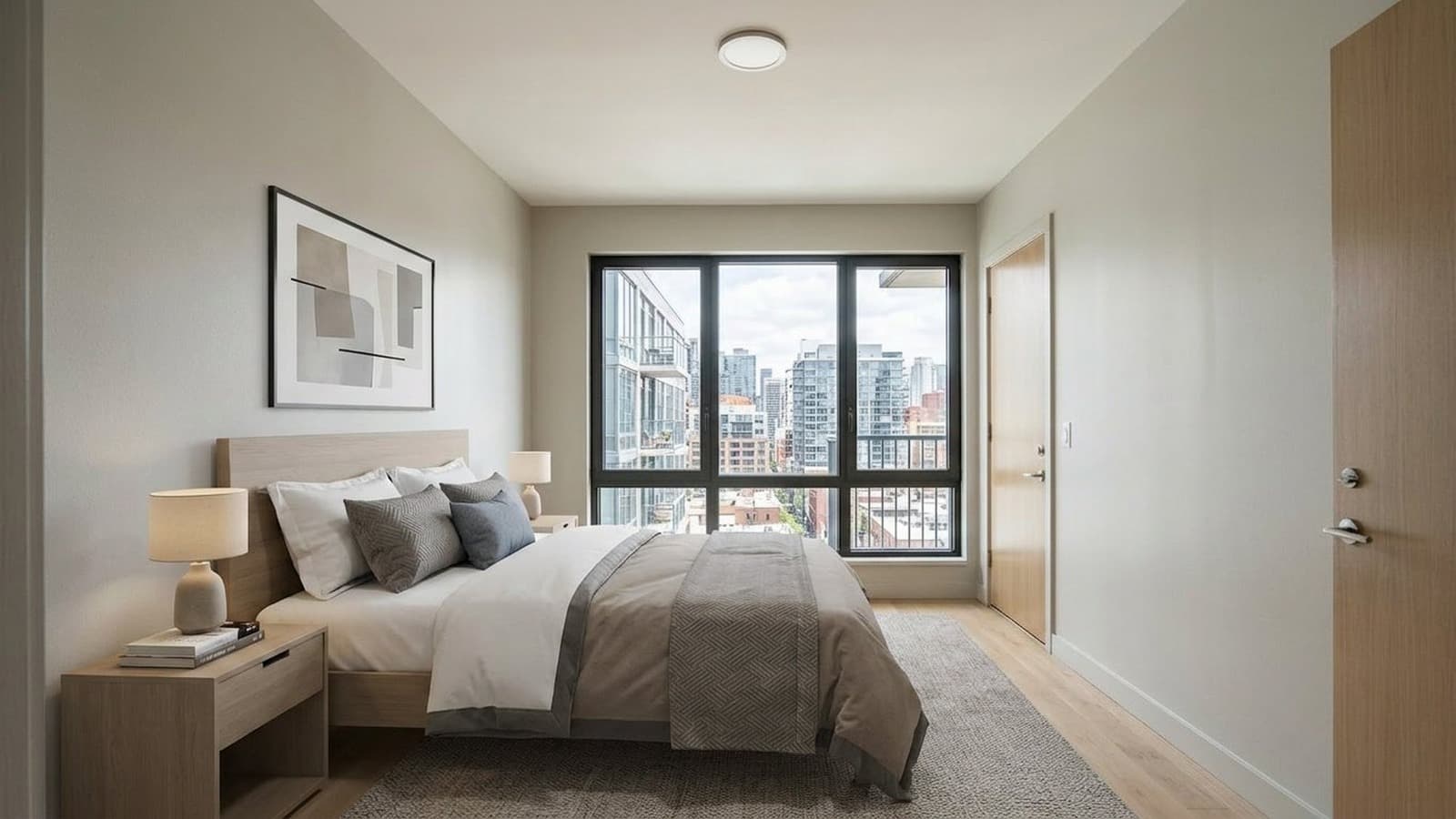
Empty Rooms to Furnished Listings
Virtual Staging
Furnish empty or occupied spaces with high-quality staging. Generate multiple styles for every listing, with built-in comparison tools and customizable AI disclosure labels.
Learn more about Virtual Staging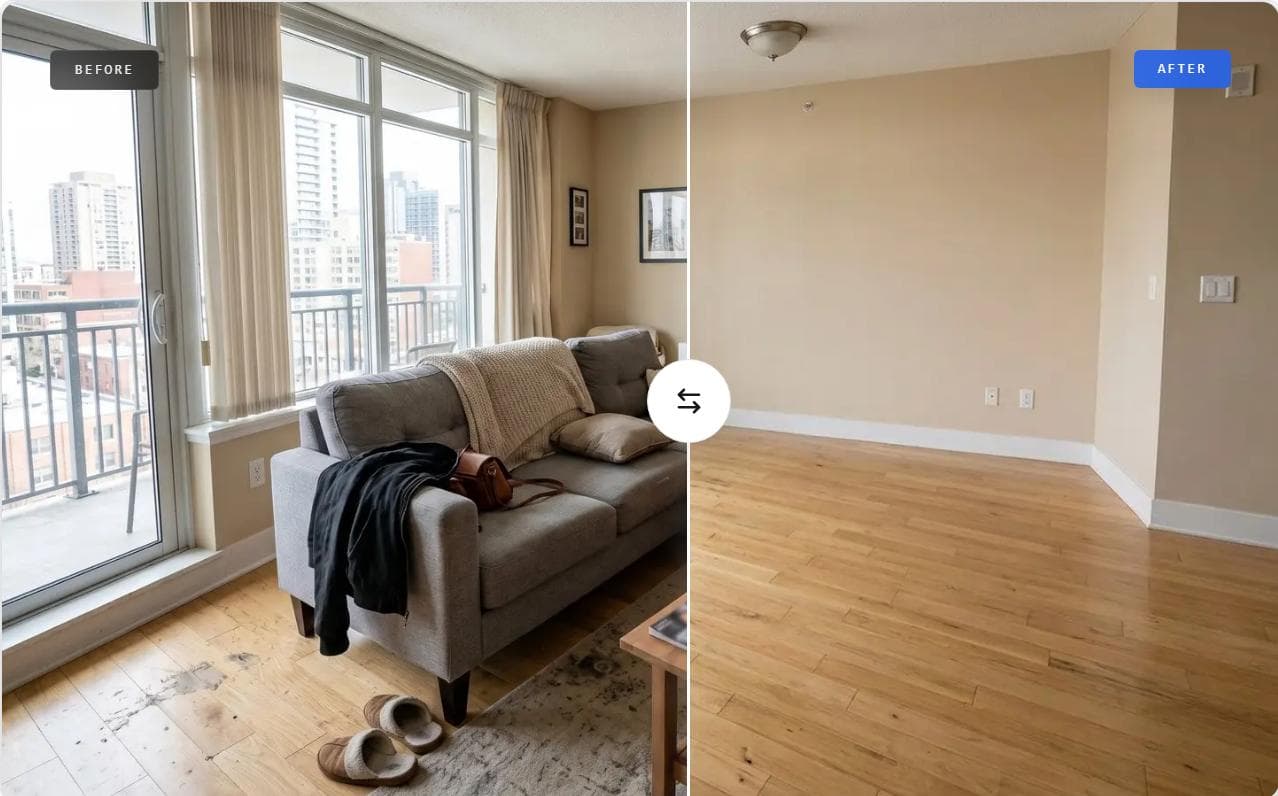
Furnished Rooms to Clean Spaces
Furniture removal
Clear unwanted furniture, clutter, and lived-in details before staging. Create clean listing-ready rooms from occupied property photos.
Learn more about Furniture removal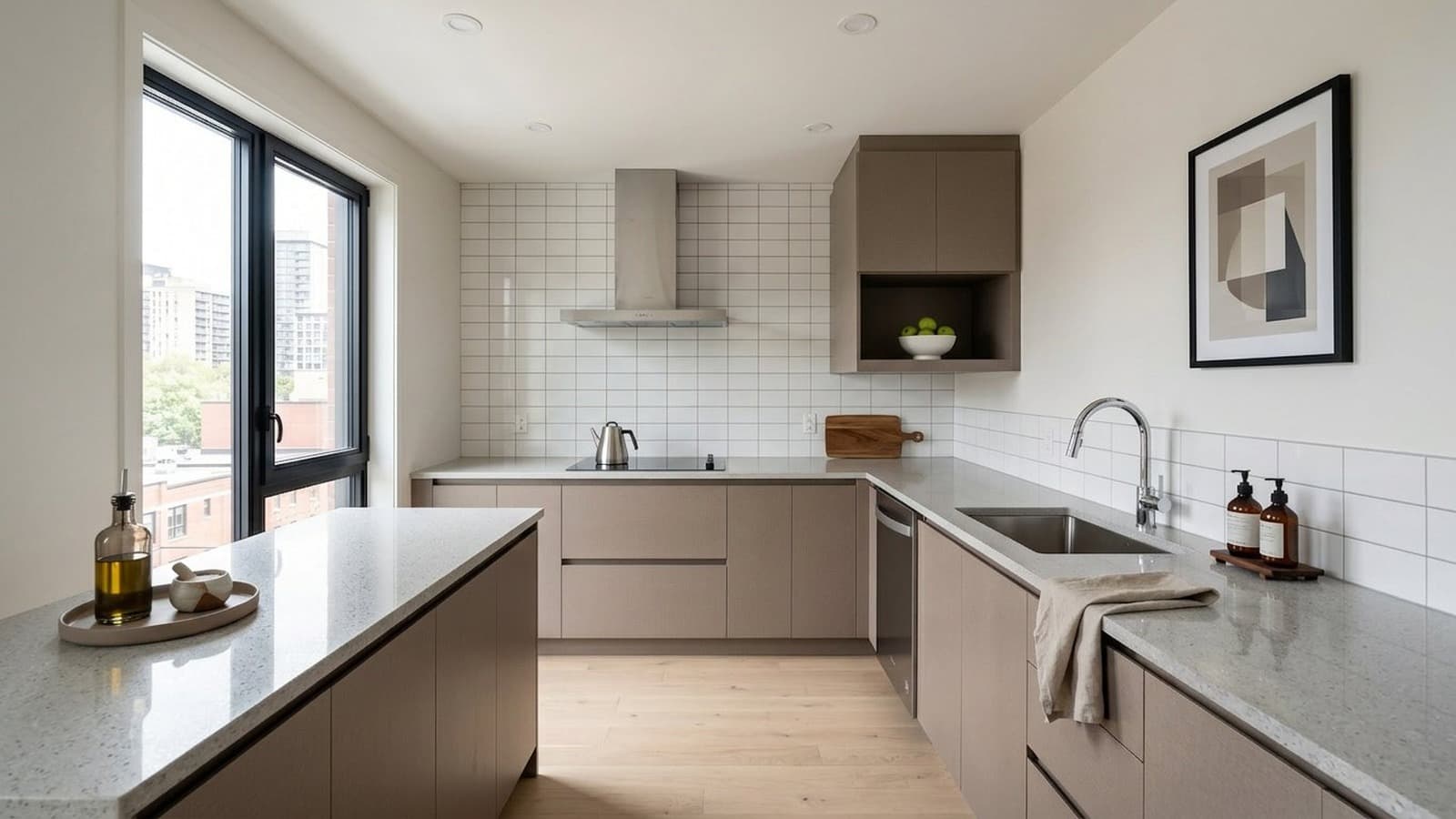
Raw Photos to Listing-Ready Images
Photo editing
Fix what the camera missed. Adjust lighting, remove or add objects, and change colors in a simple point-and-click editor for both original photos and staged results.
Learn more about Photo Editing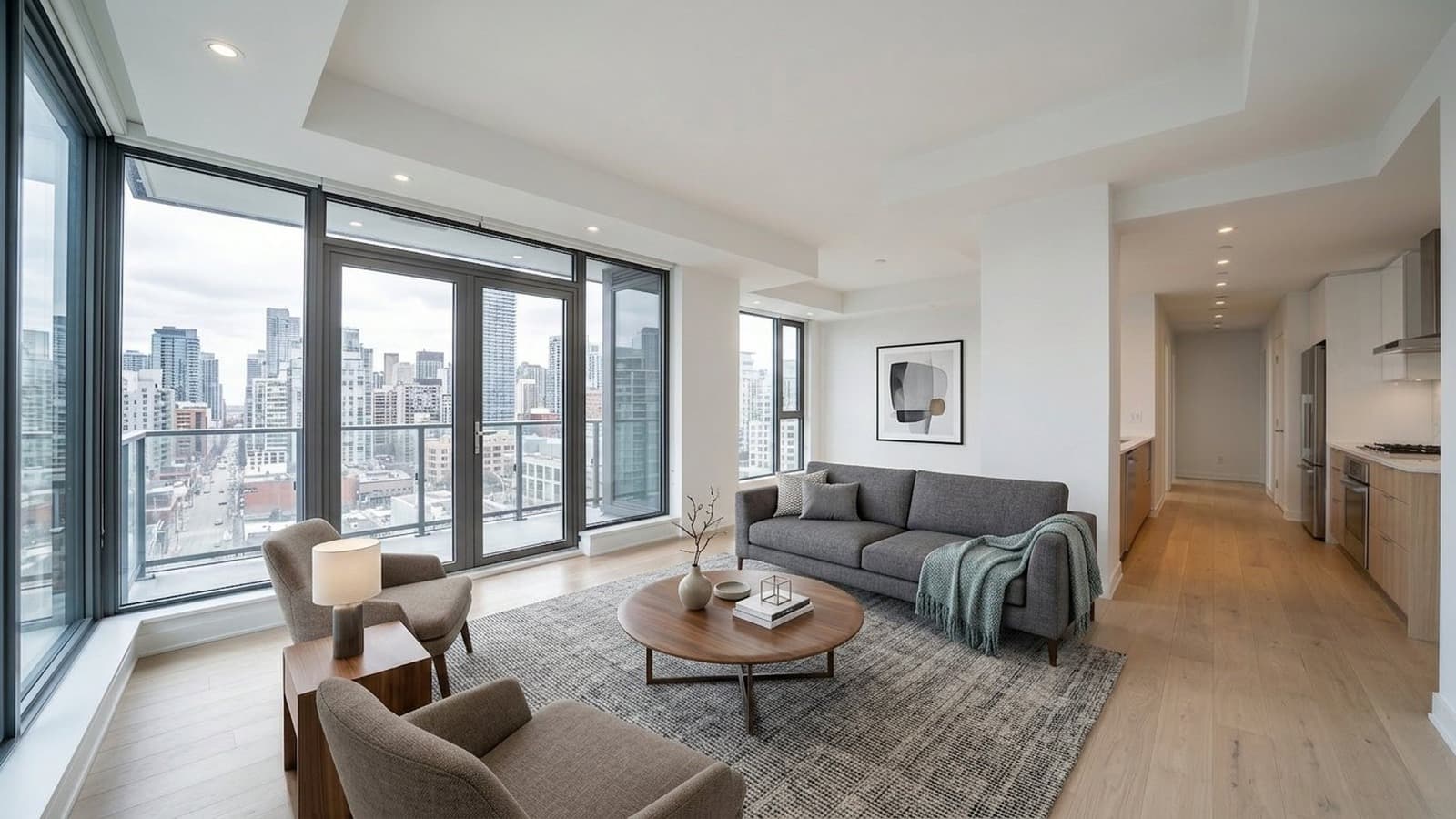
One Listing Style Across Every Angle
Multi-angle staging
Stage multiple photos from the same property with a consistent design direction, so listing galleries feel cohesive from room to room and angle to angle.
Learn more about Multi-angle staging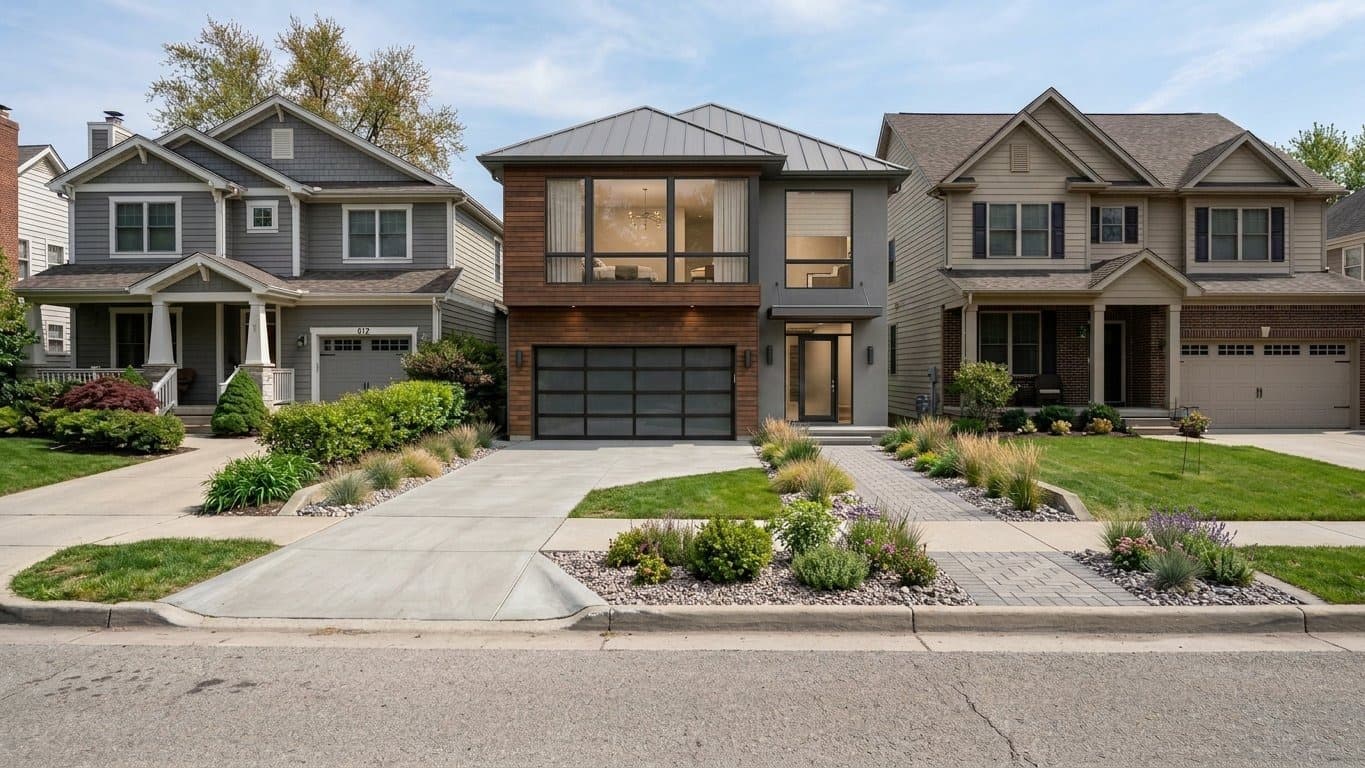
Vacant Plots to Rendered Buildings
Exterior rendering
Generate photorealistic exteriors on empty land or over existing structures. Context-aware AI creates visuals for proposals, development, and pre-construction marketing.
Learn more about Exterior Rendering
Built for real estatelisting compliance
Preserve the original structure
Furniture is added without altering walls, windows, or permanent features - reducing the risk of misrepresentation.
Compare before and after
Instantly view original and staged images side by side to verify accuracy before publishing.
Built-in AI-use disclosure
Automatically add customizable AI-use labels and watermarks to meet platform requirements.
Built for teams, agencies, andmulti-branch operations
Give your entire team access
Invite agents and share credits across your organization.
Track usage across your team
Monitor renders and credit usage by agent.
Manage multiple offices in one place
Manage multiple offices under a single parent organization.
Integrate into your workflow
Connect via API to automate staging at scale.
Frequently asked questions
What types of properties can I stage?
Furniture is added without altering walls, windows, or permanent features, reducing the risk of misrepresentation.How does house rendering on empty plots work?
Upload a plot photo and our AI creates a realistic exterior concept aligned to the site perspective and lighting.Is AI virtual staging compliant with MLS rules?
Virtual Staging Art keeps permanent architectural details intact and supports disclosure overlays for listing downloads.How do team accounts work?
Invite agents, share credits, and track usage across offices from one organization account.Can I use the API for my workflow?
Yes. Teams can connect staging, cleanup, and rendering workflows through the Virtual Staging Art API.Ready to upgrade your listing visuals?
Try it out for free, or get in touch to learn more